2025.0.X
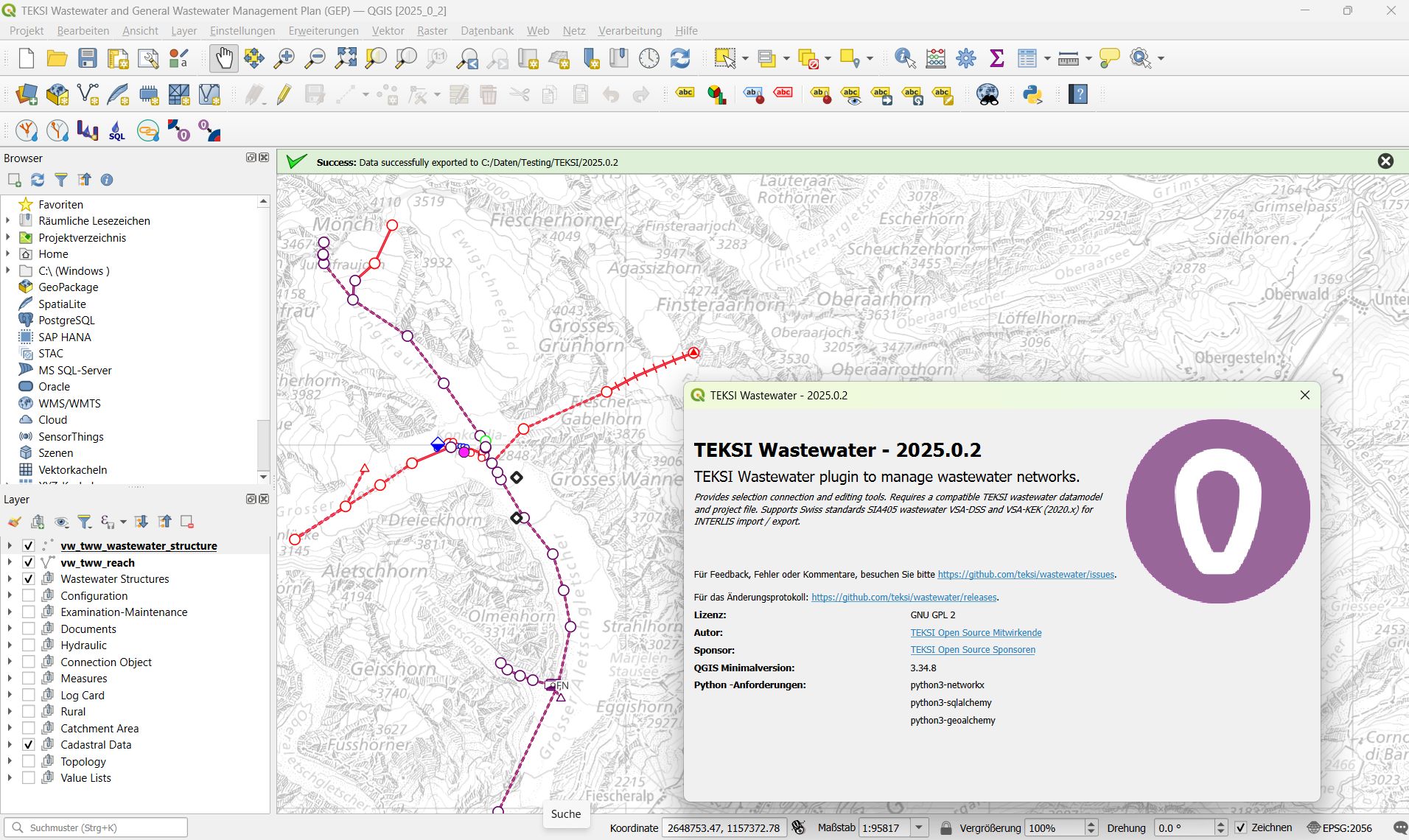
Die wichtigsten Merkmale
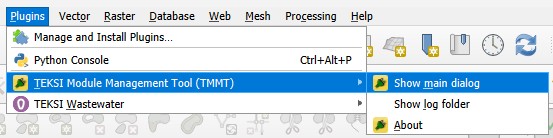
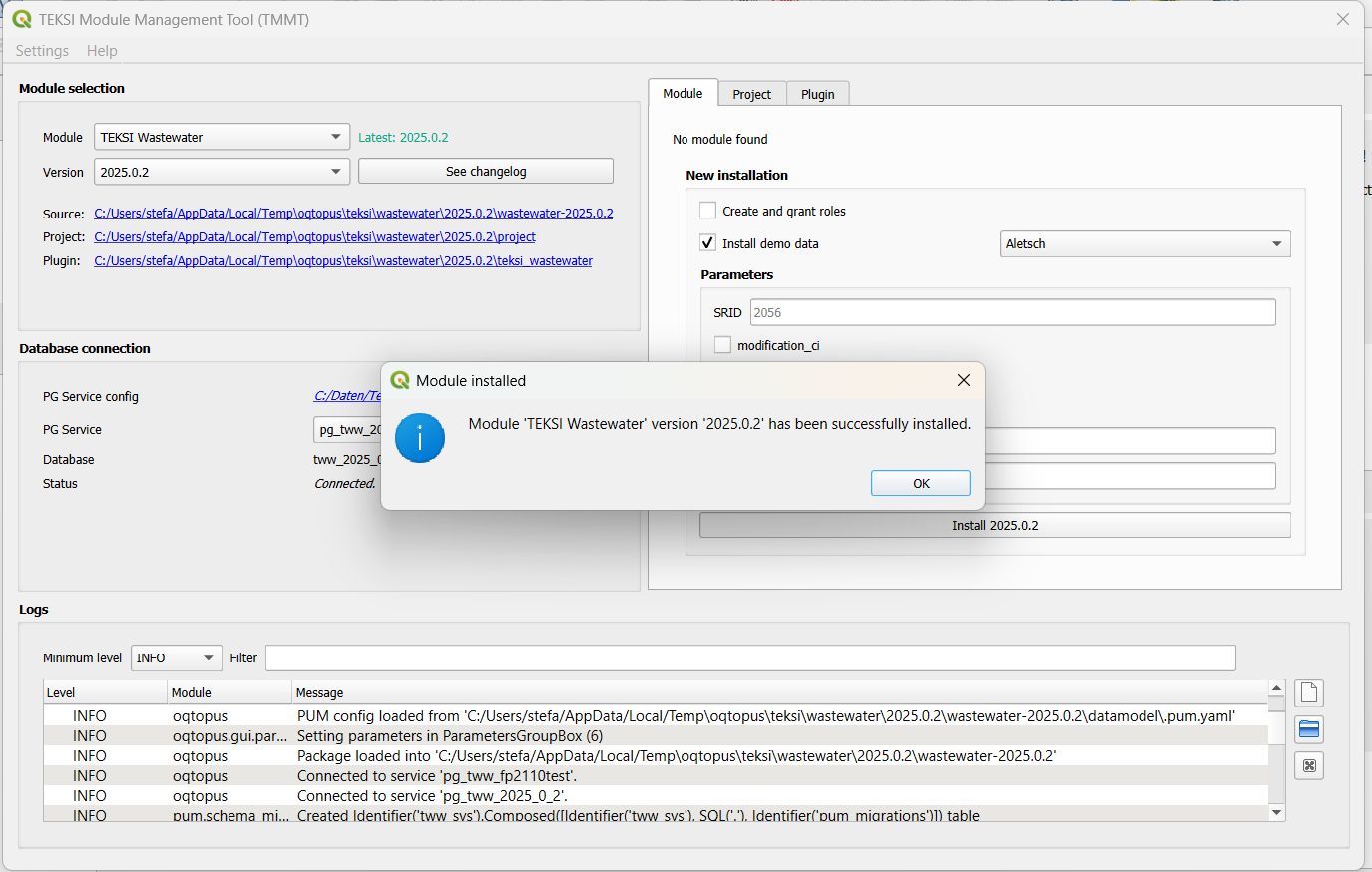
First version of TEKSI wastewater module for QGIS 3.40 LTR and initialized via the PostgreSQL Update Manager (PUM) and the TEKSI Module Management Tool (TMMT). Check the installation guide for more information on how to install TEKSI wastewater module via TMMT.
- note::
Check the new `release video https://vimeo.com/1149117501?fl=pl&fe=cm>`__ to see how these features support ‚Clean waters and an environment worth living in!‘
Verbesserte Benutzeroberfläche für bessere Bedienbarkeit und Zugänglichkeit.
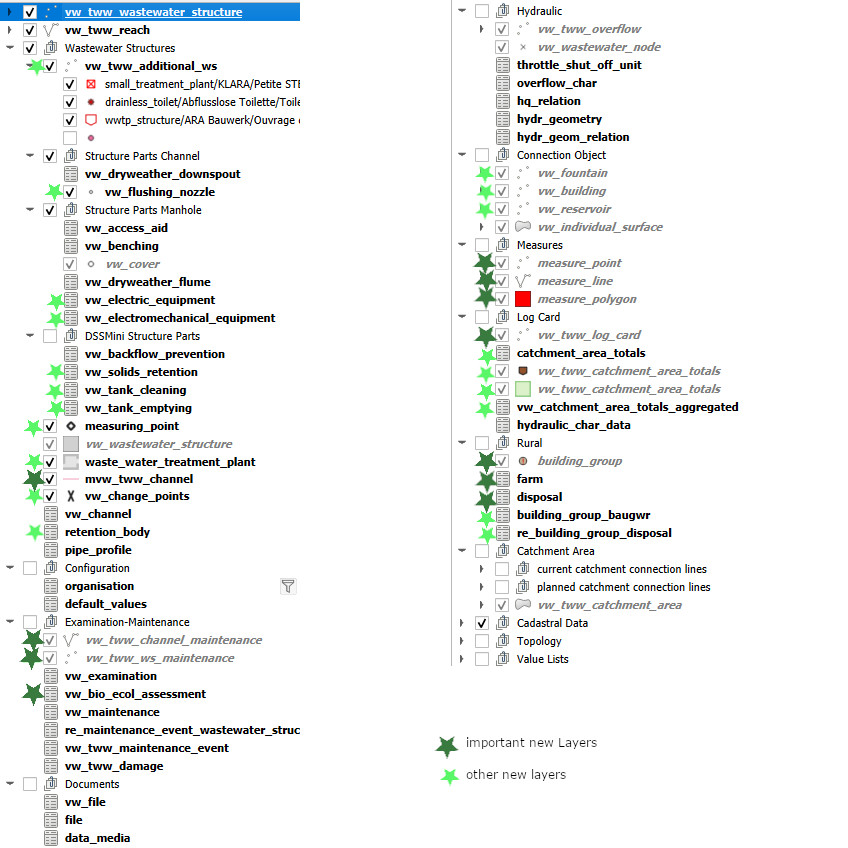
Neue Stile und Symbolisierungen
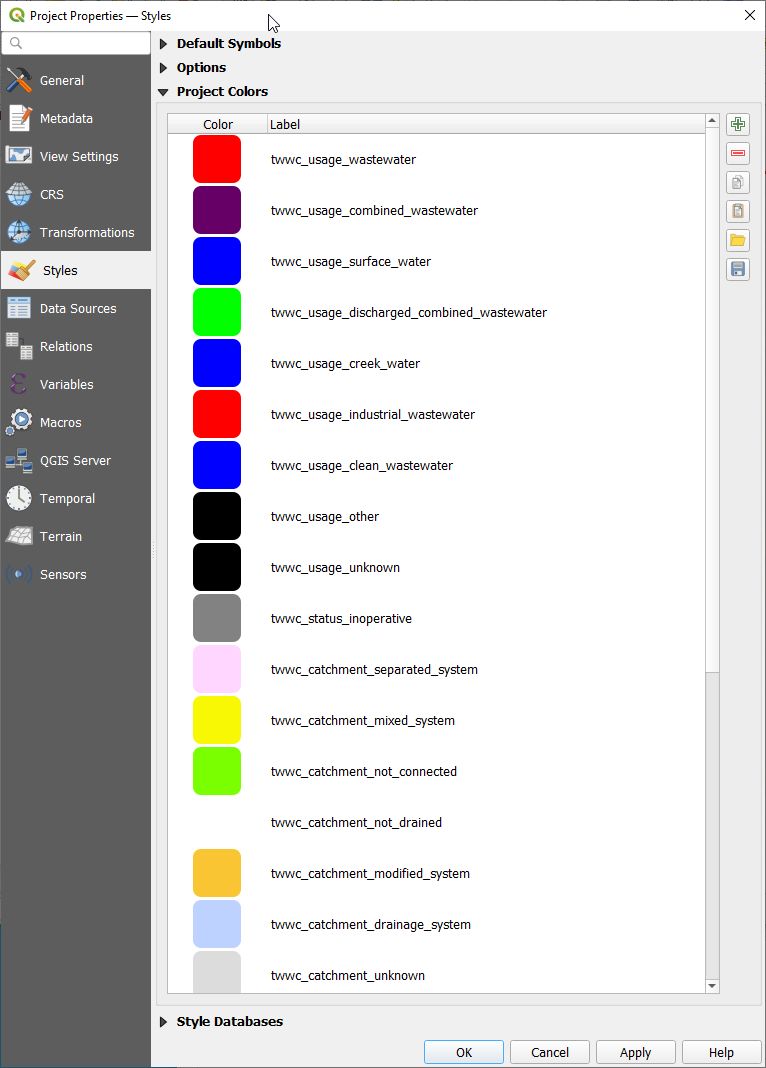
Project colors for styles
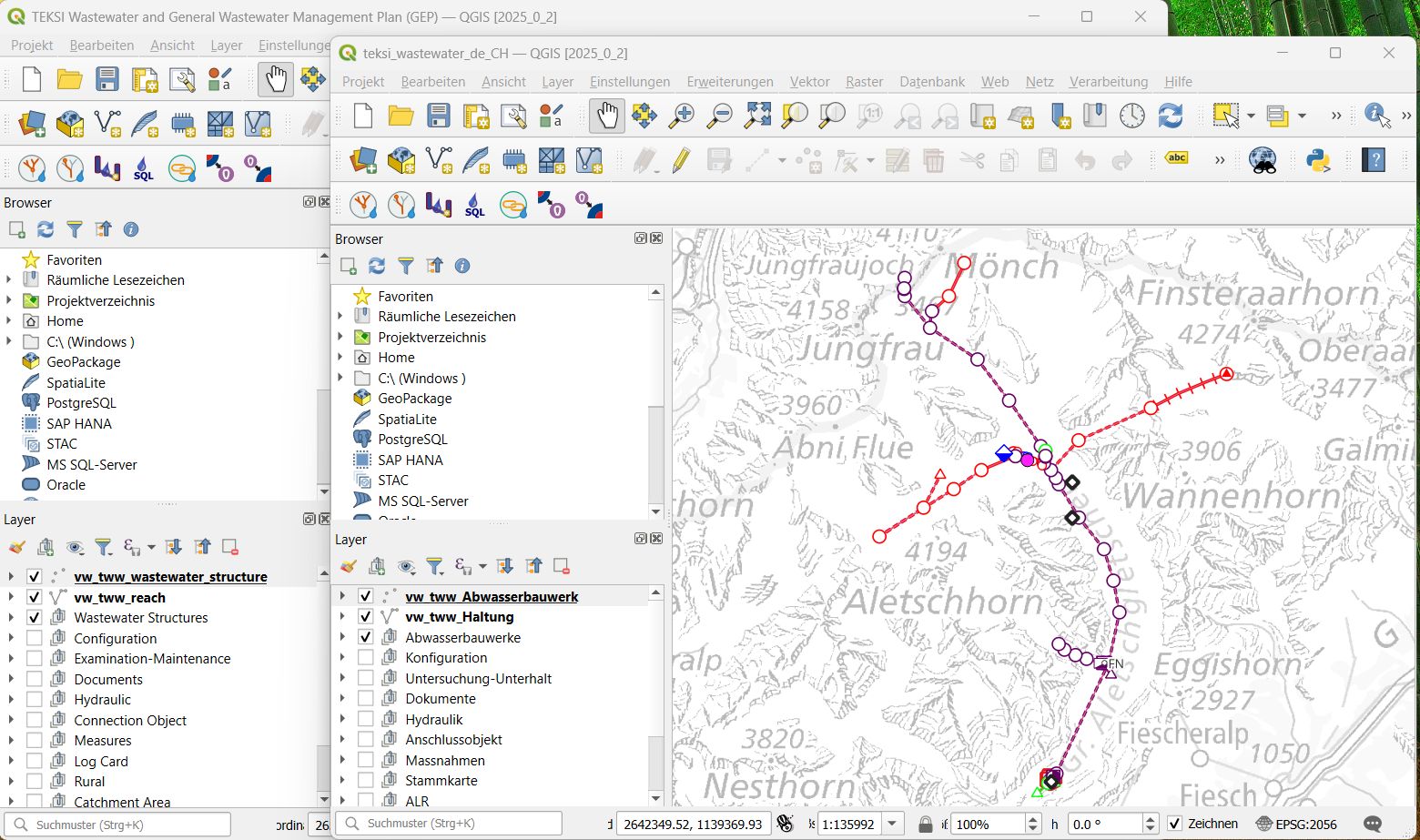
Extended translation support for French and German
Demo data initialization via TMMT

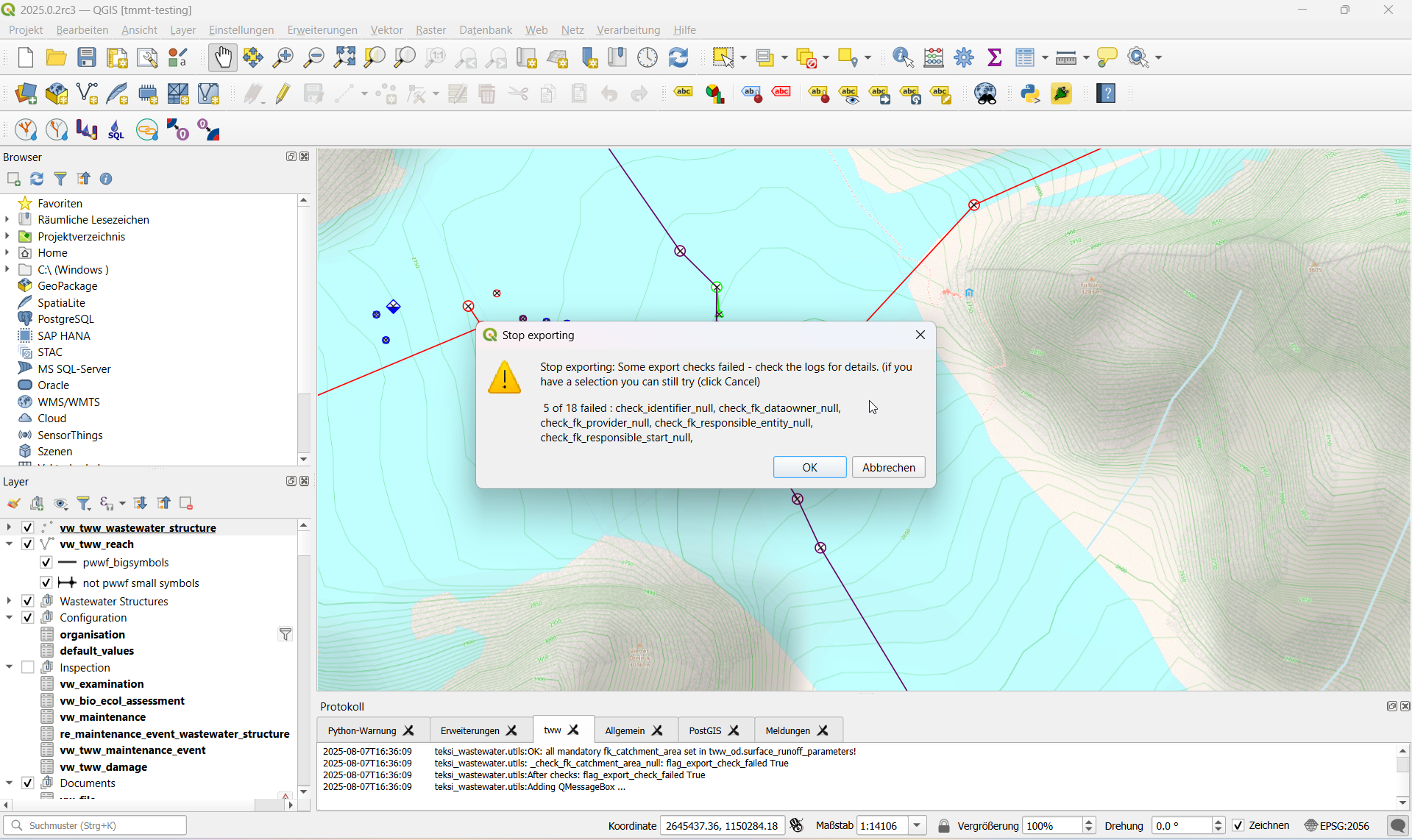
Improved checks for INTERLIS Export
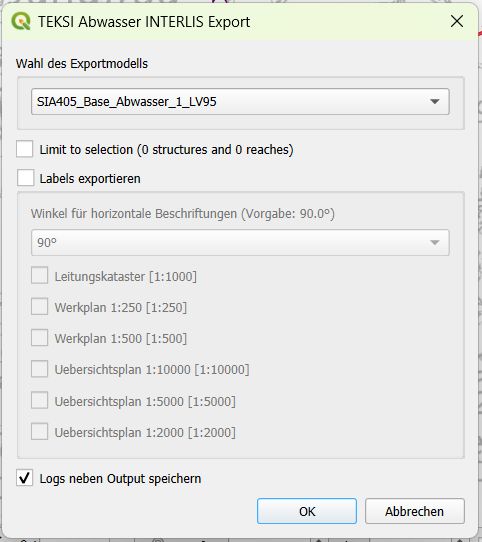
INTERLIS Export option to export extra organisations
New layer configurations for GEP themes : measures events, log cards and rural
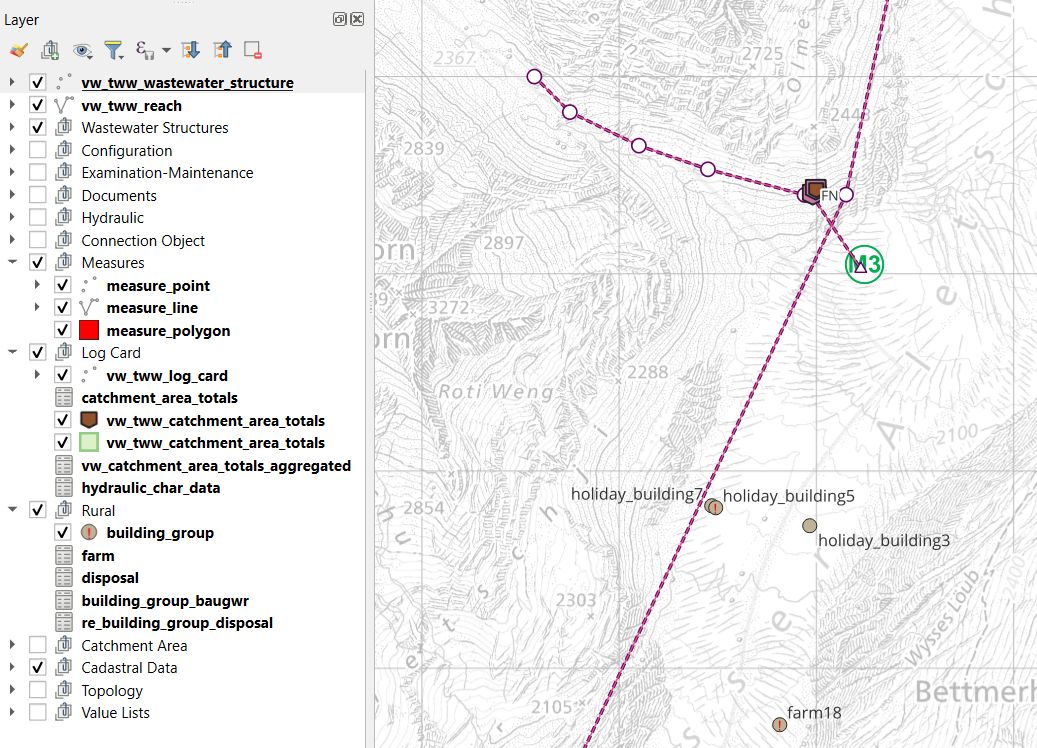
New documentation on adding log cards
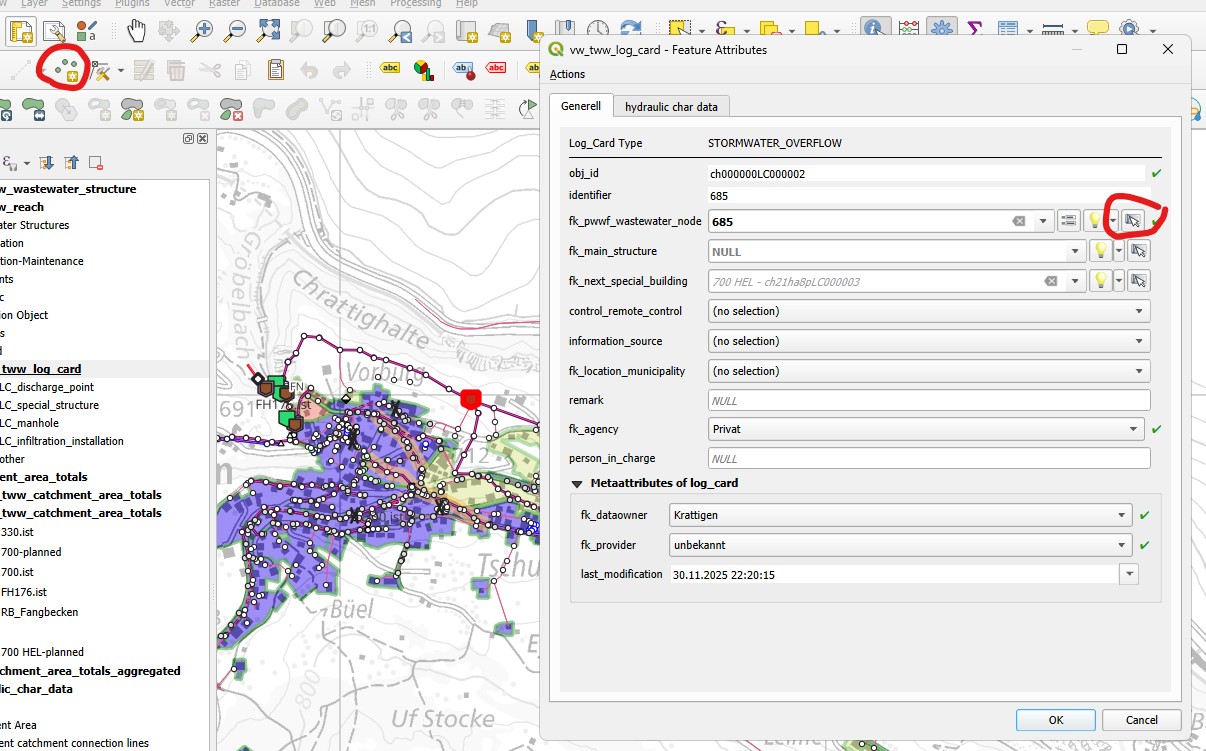
And a lot of details added in the documentation. If you like a new feature please add it here!
Installation
Da diese Version nach der Entwicklung des TEKSI Module Management Tool-Plugins (TMMT) veröffentlicht wird, überprüfen Sie bitte Folgendes:
installation guide für weitere Infos zur Installation von TEKSI Abwasser via TMMT.
Migration von 2024.X zu 2025.X
Da mit dieser Version eine neue Datenbankstruktur eingeführt wird, ist eine Migration von 2024.X auf 2025.X erforderlich.
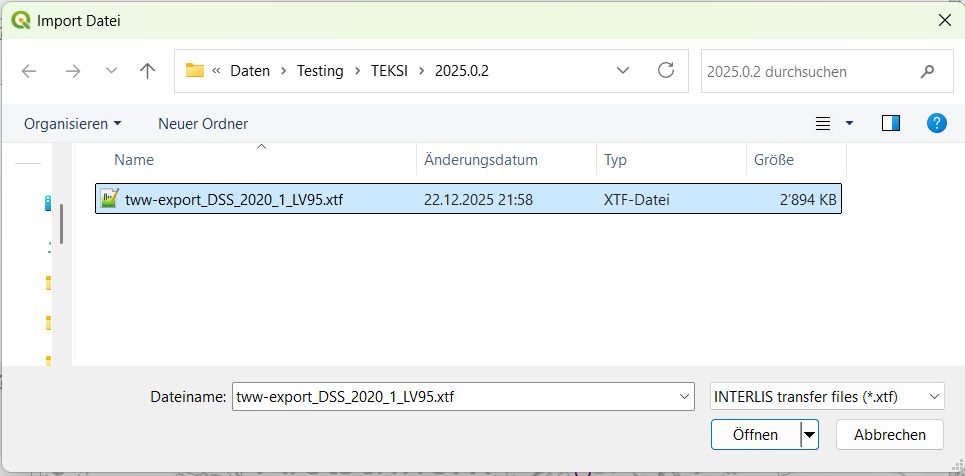
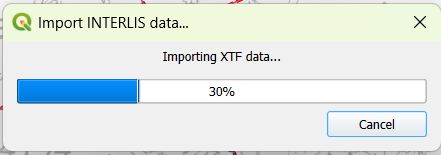
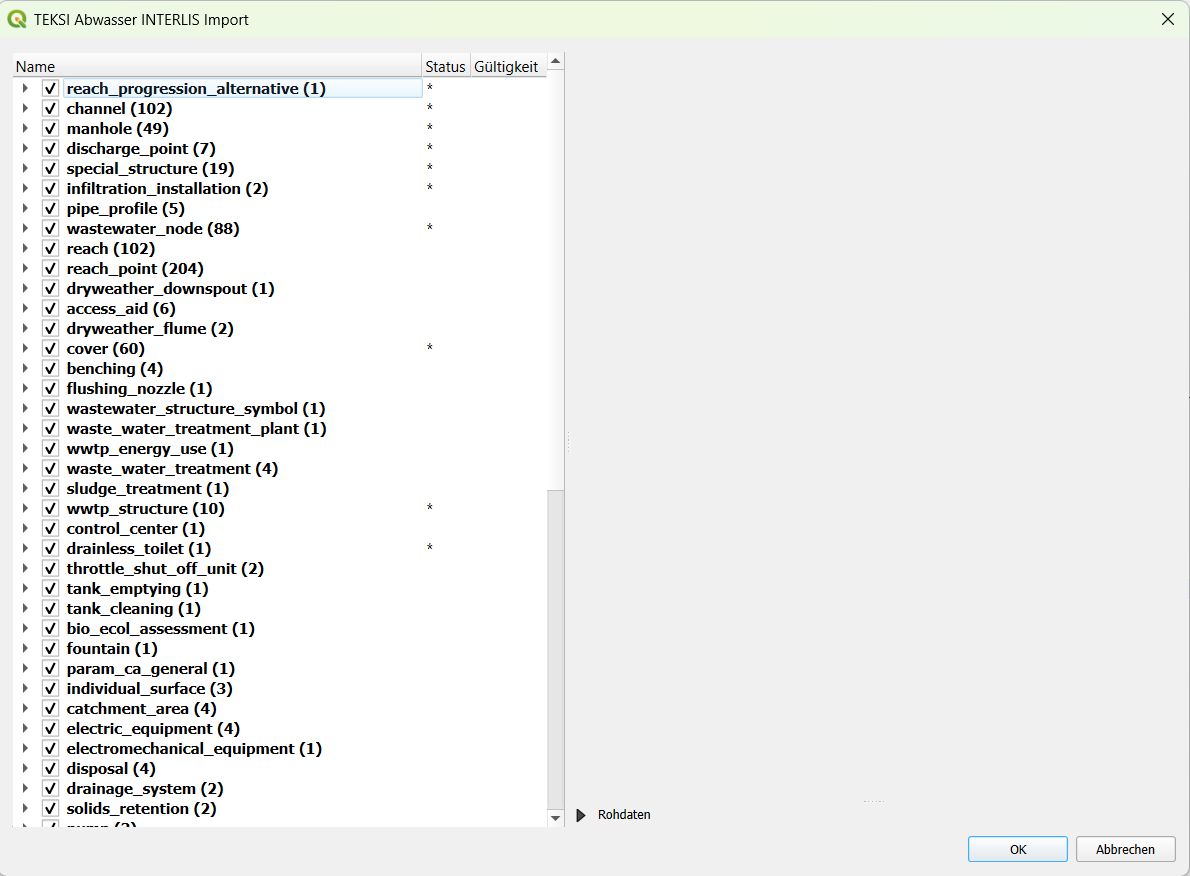
A simple way to migrate your data is to export it from the 2024.X database in INTERLIS format.
Bemerkung
Please install the 2025.X TWW Plugin in a separate QGIS profile and use the 2025.X Release instead of the latest 2024.X release to export the data to make sure, you get the complete VSA-DSS dataset. Release 2024.X of the plugin does have missing attributes that have been introduced with Release 2020 - a patch for this was only added in 20205.
Bemerkung
In future this can be done directly within the database when the TMMT plugin will also support upgrading, not only installation of the database.
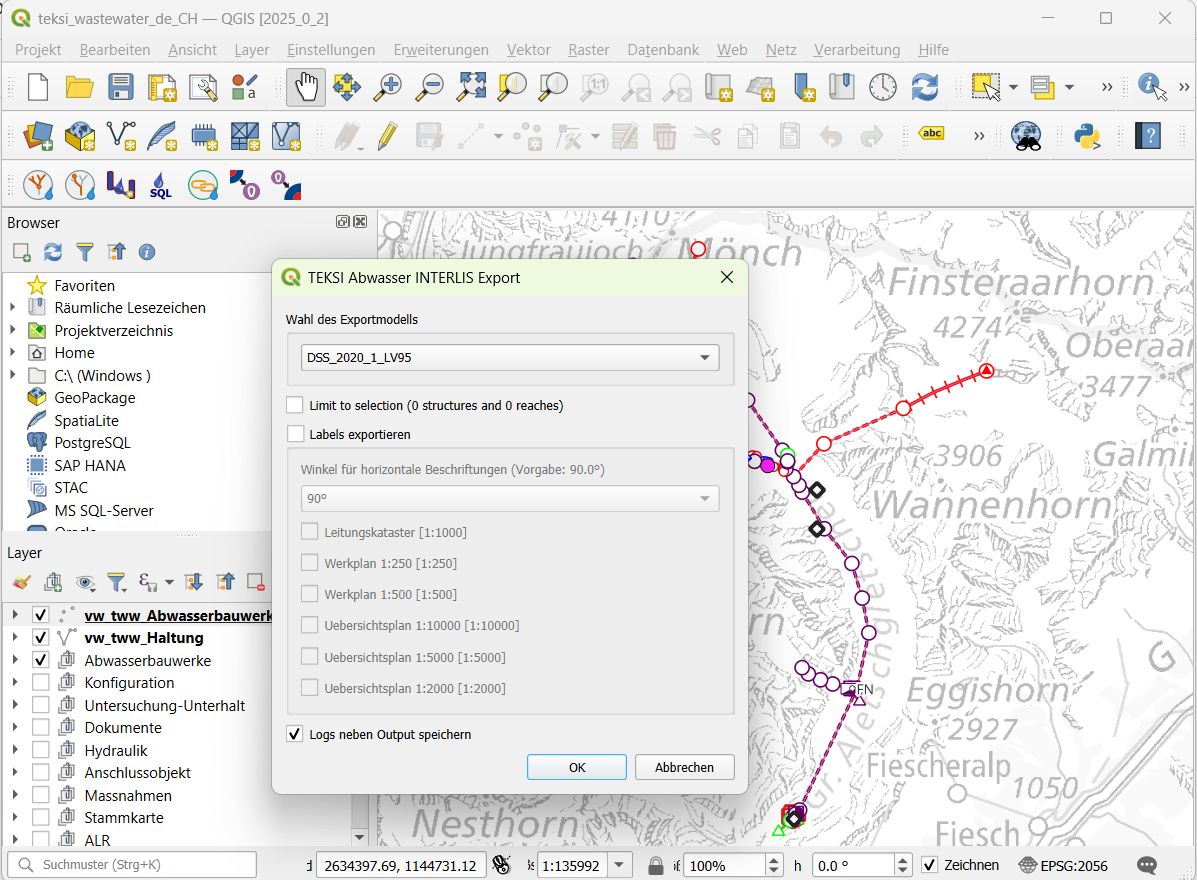

and import it into a new empty 2025.X database (also use the latest 2025.X release for that).
Vergessen Sie nicht, die**oid-Präfix**, die Default Values für Dateneigentümer und Datenlieferant zu migrieren und die Sequenzen für korrekte obj_ids anzupassen.
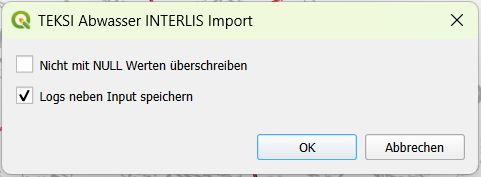
Zukünftig wird TMMT Aktualisierungen direkt aus den in den Releases bereitgestellten Änderungsprotokollen vorschlagen und sollte in der Lage sein, Upgrades ohne erforderliche Migration durchzuführen.
Fehlerbehebungen und Leistungsverbesserungen
Verschiedene Fehlerbehebungen für SWMM Export
Improved tests
Improved hints for classes, attributes and values