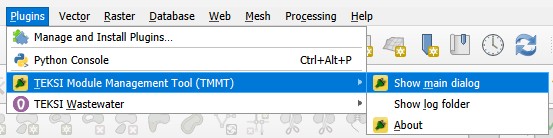
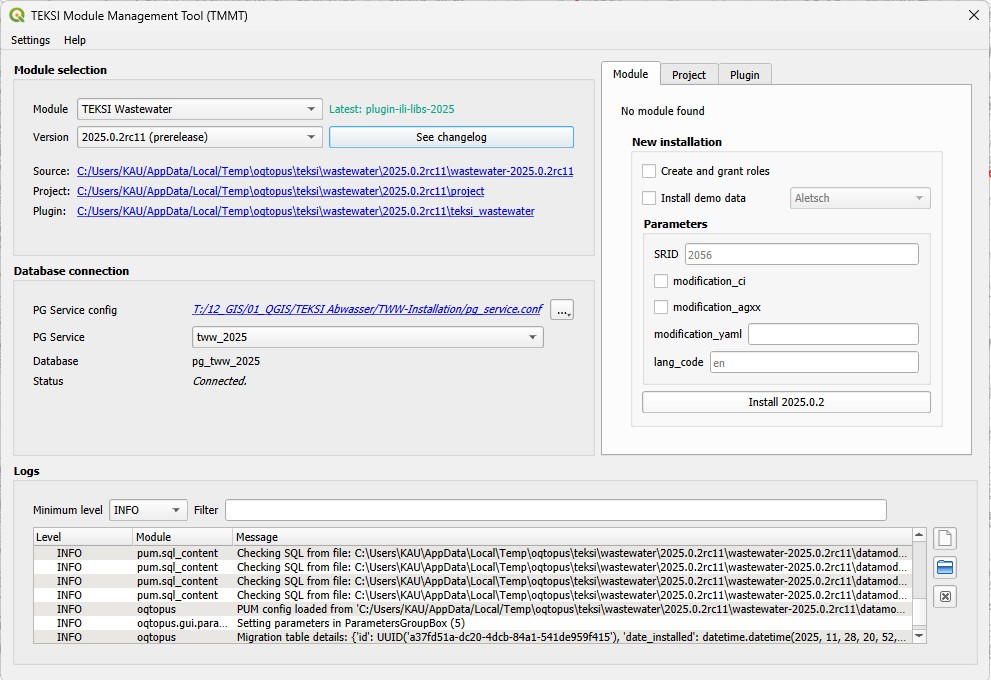
First version of TEKSI wastewater module for QGIS 3.40 LTR and initialized via the PostgreSQL Update Manager (PUM) and the TEKSI Module Management Tool (TMMT).
Check the installation guide for more information on how to install TEKSI wastewater module via TMMT.
—Improved user interface for better usability and accessibility.
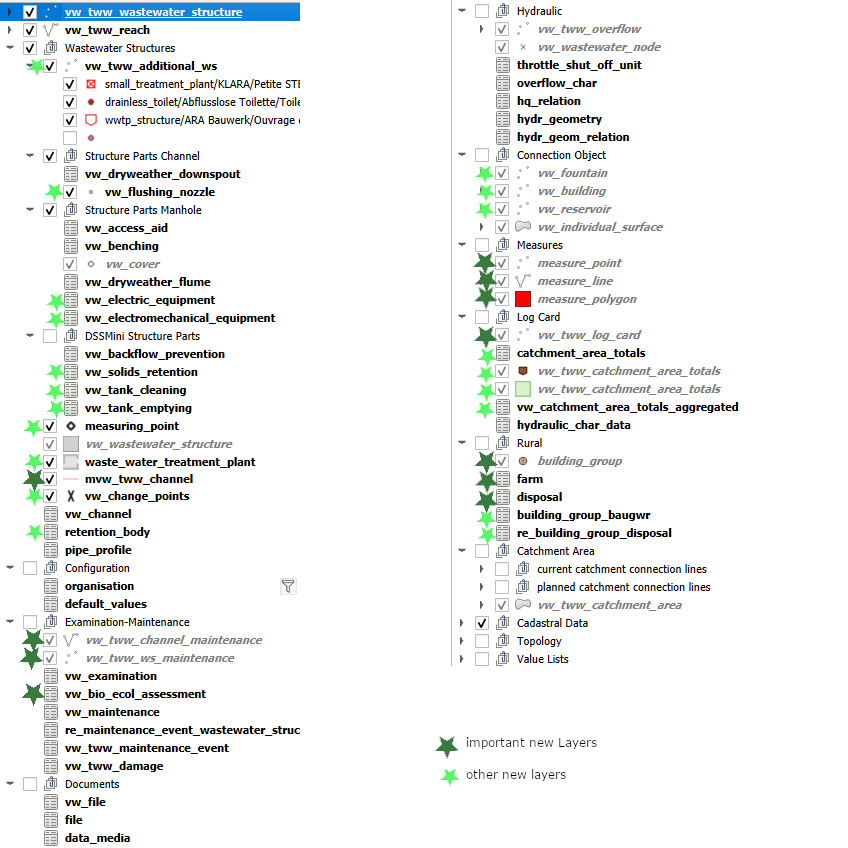
New styles and symbology
TODO : add a screenshot of the new styles.
Extended translation support for french and german
TODO : add a screenshot showing translated project for french and german.
Demo data initialization via TMMT.
TODO : Add a screenshot of the demo data initialization process via TMMT.
As this release introduces a new database structure, a migration from 2024.X to 2025.X is required.
A simple way to migrate your data is to export it from the 2024.X database in INTERLIS format and import it into a new 2025.X database.
TODO : Add a screenshot of the migration process.
Do not forget to migrate your oid-prefix, your default-values for dataowner and provider and to adjust the sequences for correct obj_id’s.
In the future, TMMT will propose updates directly from the changelogs provided in the releases and should be able to handle upgrades with no migration required.