Add View Layer
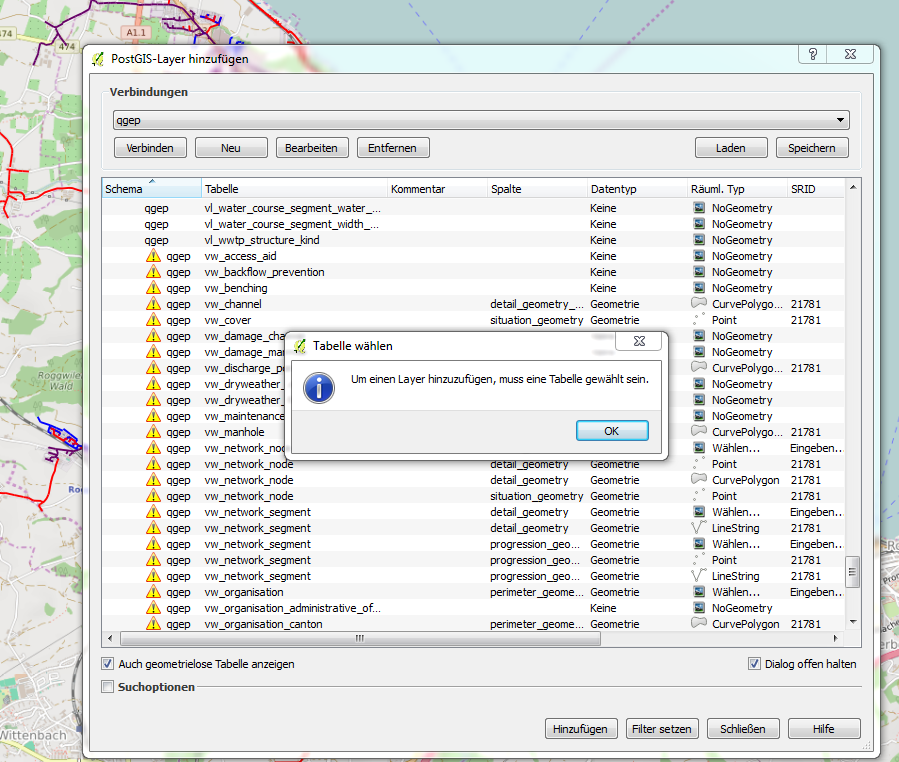
To add a layer based on a view in the usual Add Layer dialog will give the following message, when selecting a view
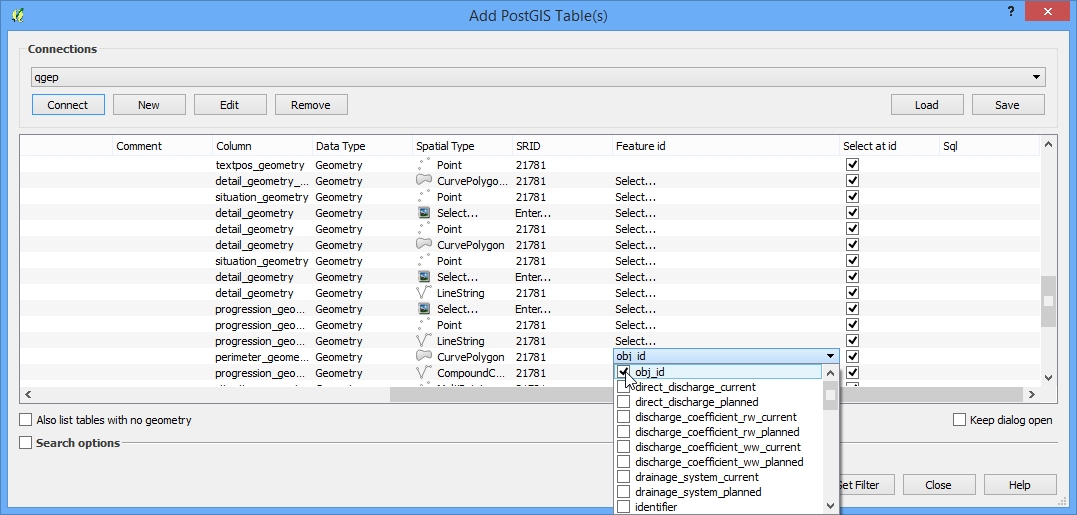
To avoid this select the view layer and then scroll to the column “feature id” and pick “obj_id” as the relevant feature id, as QGIS will not automatically recognize this.